
Upload JPG, PNG, or WebP
Drop one flat image into the PSD converter and pick 2 to 8 target layers. Free accounts get up to 4.
Upload a JPG, PNG, or WebP and the PSD converter returns a layered PSD with the subject, background, and objects on separate layers. Nothing to install.
 Original
 Layer 1
Click or drag an image here
Sign in to upload your image
Layer count
Free accounts can use up to 4 layers; subscribers get up to 8.
PSD file converter
Go from one flat image to separate, editable layers without masking anything by hand — a typical run takes about 1–5 minutes.
Drop one flat image into the PSD converter and pick 2 to 8 target layers. Free accounts get up to 4.
The PSD converter returns transparent layers you can check one by one — usually the subject, background, and props, sometimes shadows or text.
Download the PNG ZIP for web and design tools, or export a layered PSD file for Photoshop, Photopea, or GIMP.
Original / PSD layers
You do not just get one processed image. The Images2Layers PSD converter shows the whole layer stack, so you can check backgrounds, subjects, and sometimes shadows or text before export.
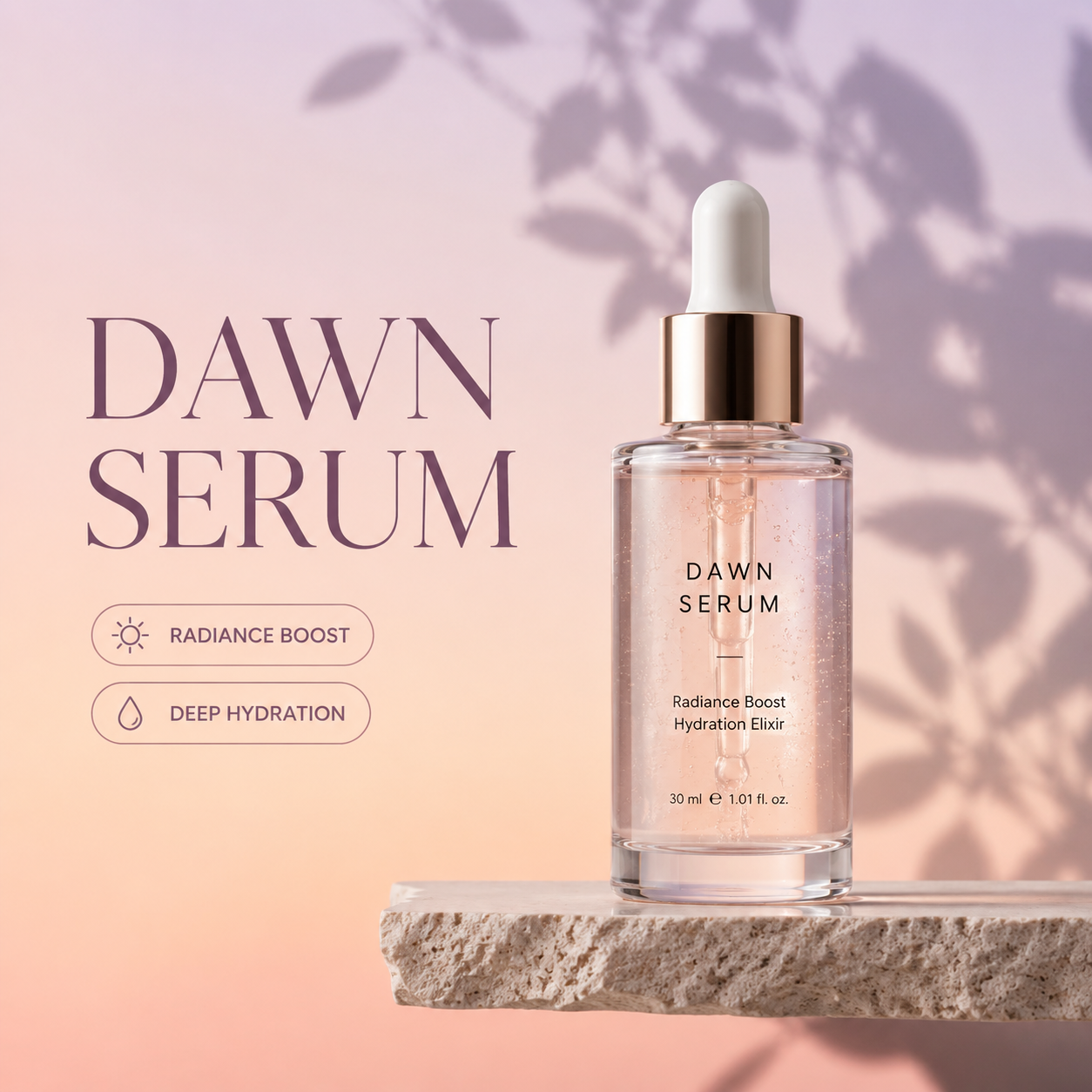
Example split into 4 layers, all shown here. Results vary from image to image.
Flip between the flat image and any single layer to see exactly what the PSD converter lifted out.
Two layers usually separate the subject from the background; at four or six, objects, text, and shadows start to get layers of their own.
Each layer is an RGBA image, and the checkerboard behind it shows exactly which pixels are transparent, edges included.
Step through the whole stack in the browser first. Exporting the PNG ZIP or layered PSD costs no extra credits.
PSD converter exports
Each run of the PSD converter returns multiple transparent layers. Preview them one by one, download a PNG ZIP, or save a layered PSD.
All the transparent layers are packed into one Photoshop document — typically the background, objects, and subject, each on its own layer.
Download every layer as its own transparent PNG, bundled in one ZIP and ready to drop into a design file or web page.
Choose how finely each image is split, from 2 to 8 layers. Free accounts go up to 4; subscribers can use all 8.
When objects are lifted onto their own layers, the background layer usually comes back with the gaps filled in, so moving them doesn't leave holes. Results vary by image.
Open the layered file in the editor you already know, or place the PNG layers in any tool that supports transparency.
Exports carry no watermark. Each run costs 10 credits, and if a run fails, the credits are refunded automatically.
Free online PSD converter
Once the PSD converter puts the subject, objects, and background on separate layers, each of these jobs starts from editable parts instead of a manual cutout.
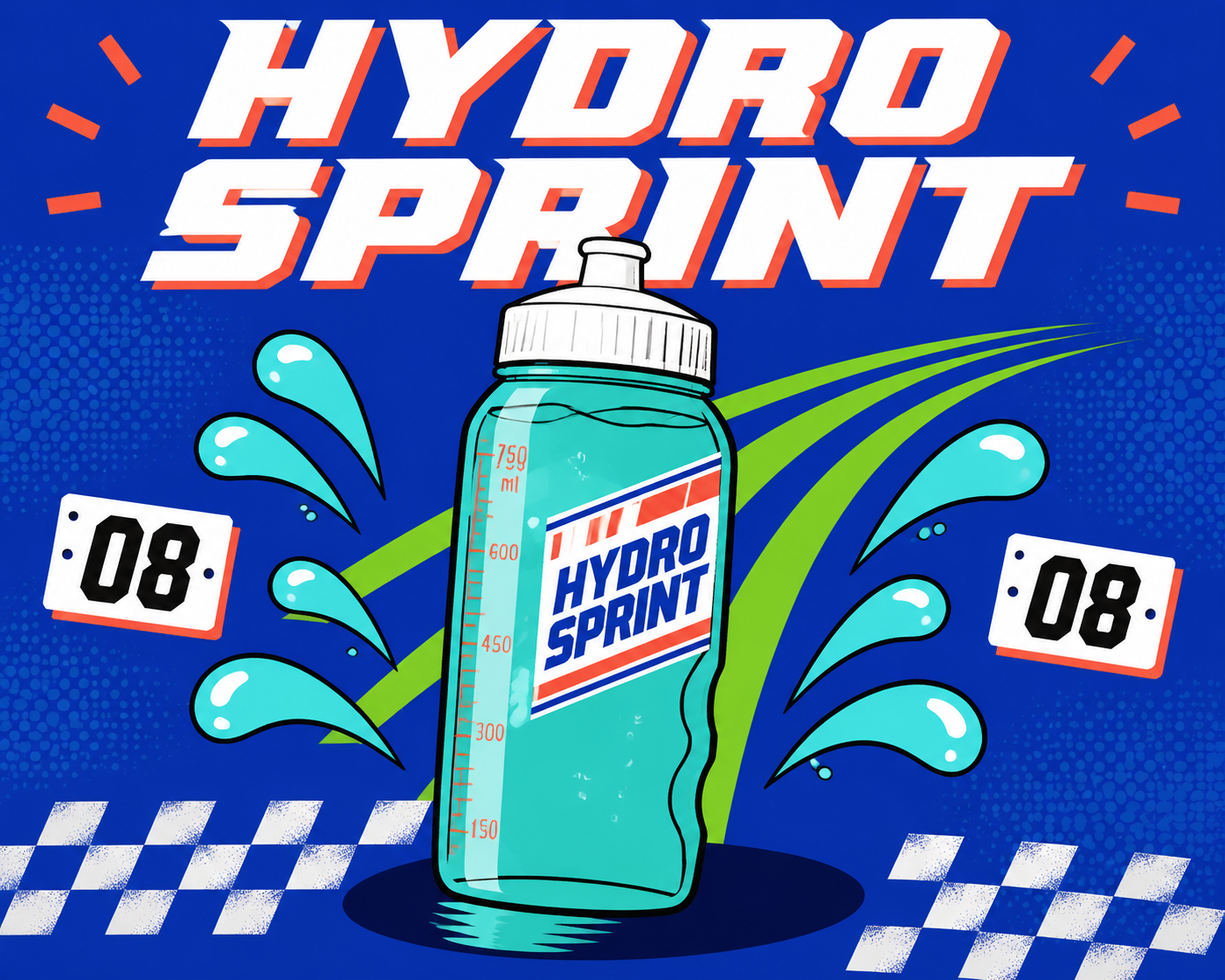
Turn a flat JPG, PNG, or WebP into a real layered PSD, not a renamed copy of the original.
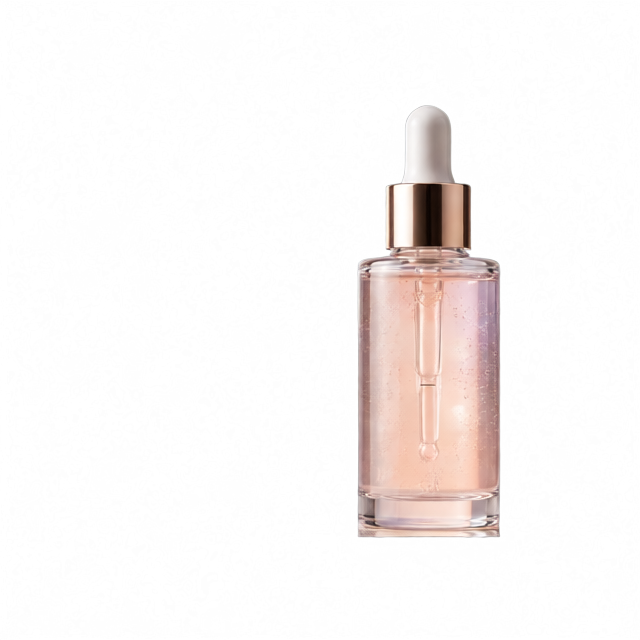
Lift the product onto its own transparent layer, then place it on marketplace backgrounds, banners, or ad sizes without cutting it out again.
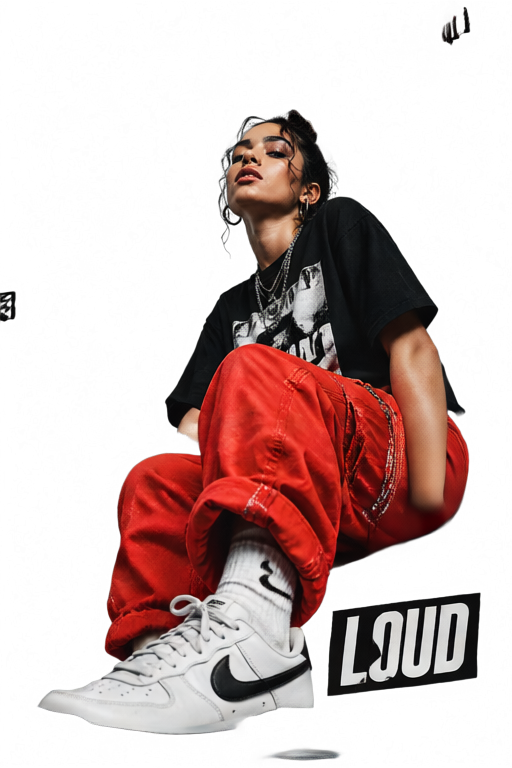
Open the PSD in Photoshop, Photopea, or GIMP and keep masking and compositing without rebuilding cutouts by hand.
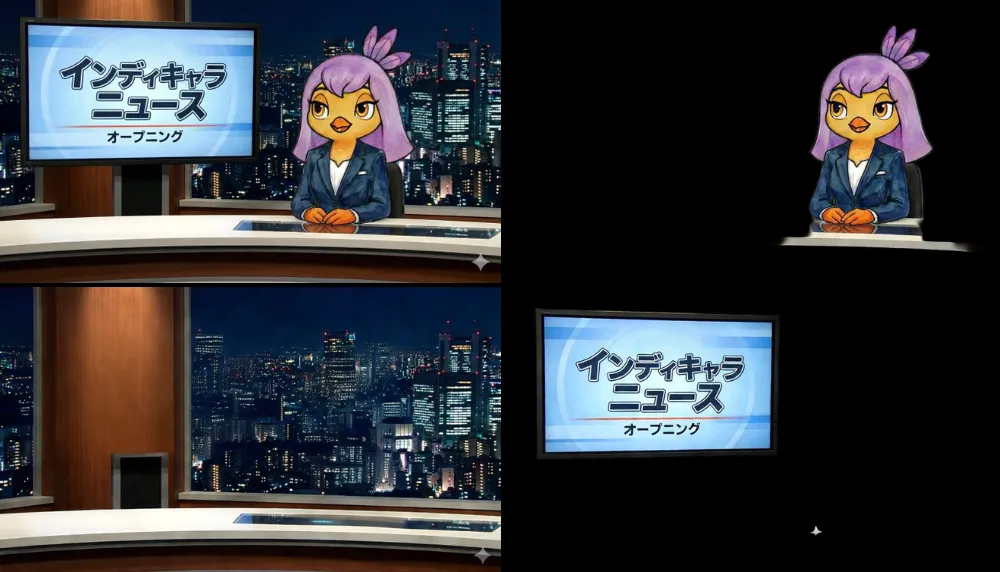
Replacing a background or building a poster is simple when the plate, subject, and detail layers stay separate.
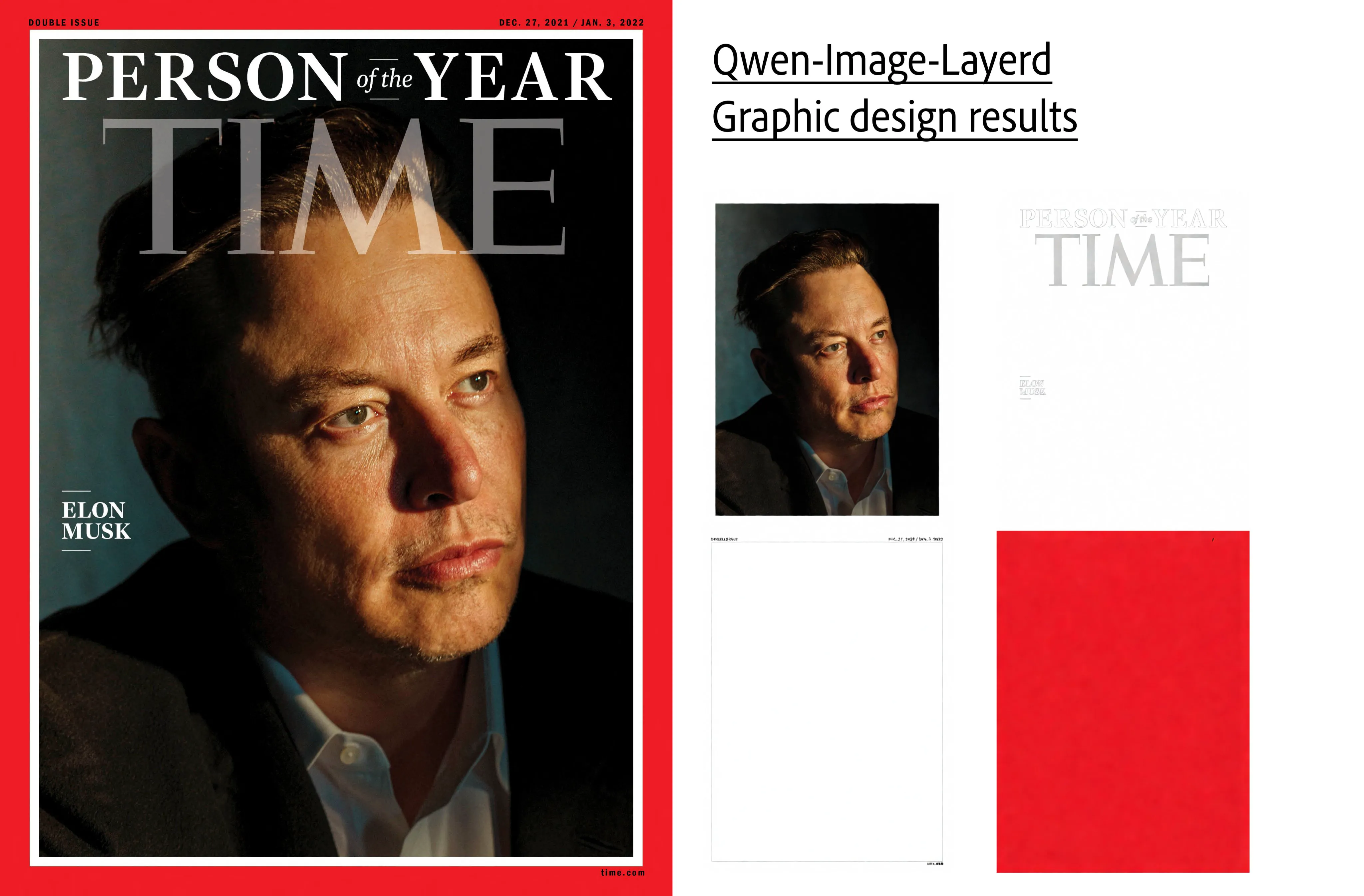
Run Midjourney, Qwen, or Flux output through the PSD converter to get editable layers for background swaps, element changes, and motion.
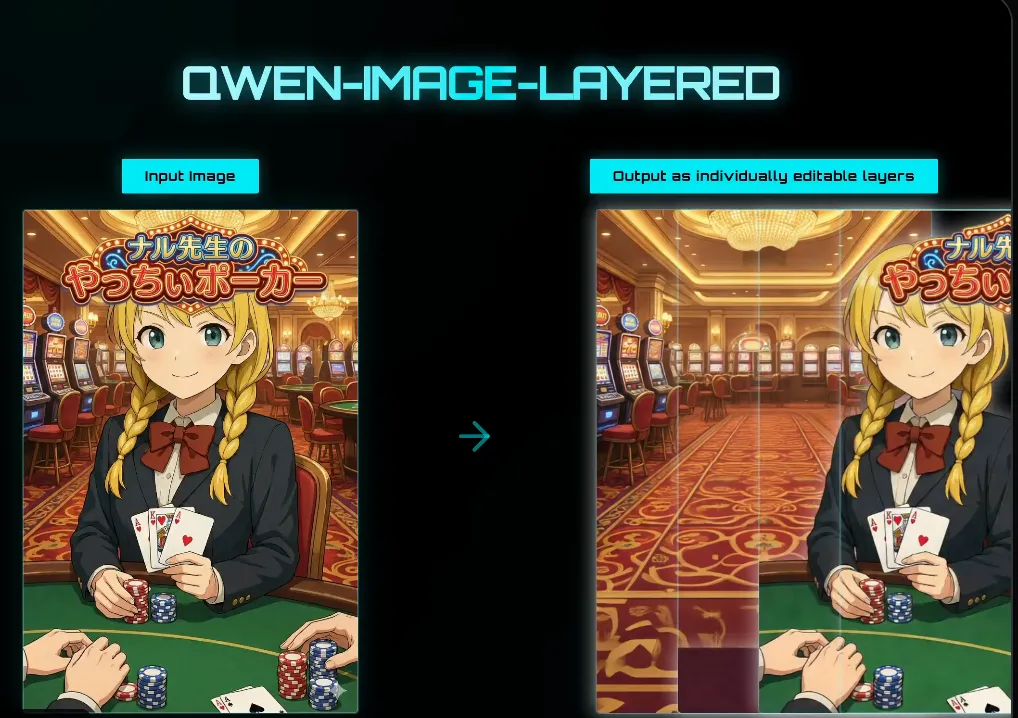
Split stills into foreground, midground, background, and object layers, then export a PSD your motion tool can read.
Compare
A background remover is the quickest option when one cut-out is all you need — but if you want the subject, objects and background on separate layers you can keep editing, here is how the PSD converter, a background remover and manual masking stack up.
| Criteria | Best for editingImages2Layers PSD converter | Background remover | Manual masking in Photoshop |
|---|---|---|---|
| What you get | Several transparent layers: subject, objects, background | One cut-out subject; the rest is discarded | Whatever you mask by hand |
| Area behind objects | Usually filled in by the model | Discarded | You paint it back yourself |
| Files | Layered PSD + PNG ZIP | One PNG | A PSD you build yourself |
| Time per image | About 1–5 minutes | Seconds | Can take an hour or more on complex images |
| Skills needed | None | None | Masking and retouching skills |
| Cost | 10 credits per run | Depends on the tool | Software license + your time |
PSD guides
Short reads on what a layered Photoshop file actually stores, how it compares with flat image formats, and how to open one for free.
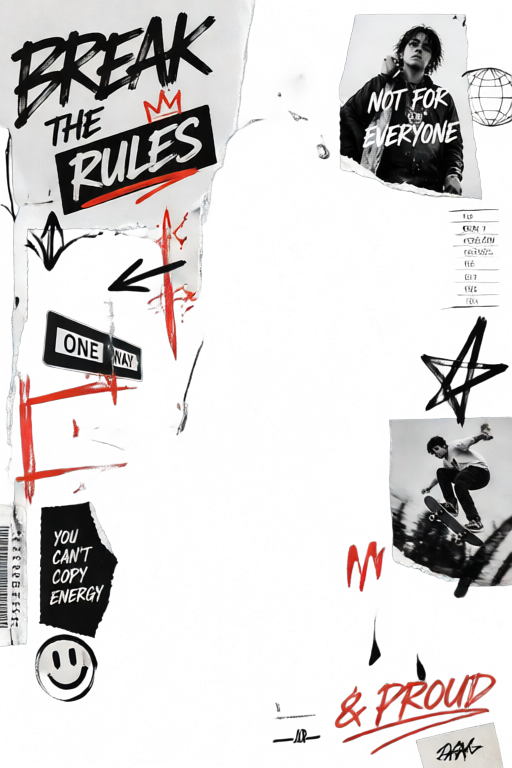
Format
What a .psd actually stores, how it compares with PNG, TIFF and JPG, and the limits worth knowing.
Explainer
Where .psd files come from, what sits inside one, and what to do when a designer hands you one.
How-to
Four routes compared — a browser editor, GIMP, Adobe’s own app, or a flat preview — and what each one loses.
FAQ
Straight answers on what the PSD converter splits, which files it accepts, what a run costs and how to open the layers afterwards.
A PSD file is the native Photoshop document format: the .psd extension tells an editor the file holds a stack of separate layers, not one flattened picture. Each layer keeps its own pixels and transparency, so one element can move or disappear without touching the rest.
A JPG or PNG holds a single grid of pixels; once saved, the objects inside have been merged and cannot be pulled apart. The PSD format file stores many grids stacked in order, each with its own name, opacity and transparent regions.
A plain format converter rewraps the same flat picture in a new container, so a JPG becomes a one-layer PSD that is no easier to edit. This PSD converter reads the content first and writes each element to its own transparent layer, producing a genuinely layered document.
Background removal hands you one cut-out subject and discards the rest. The PSD converter keeps the whole picture: the subject, background, props, and foreground come back as separate layers, and shadows or text sometimes get a layer of their own. Removing a background becomes something you do after conversion rather than instead of it.
No. Every layer the PSD converter writes is a pixel layer, so a headline arrives as an image of text rather than live type, and a logo as pixels rather than vector shapes. Fonts cannot be recovered from a flattened picture.
JPG, PNG and WebP all work. Photographs, product shots, posters, packaging mockups, game art, social graphics and AI-generated images are all sensible inputs for the PSD converter, and the clearer the boundaries between elements, the cleaner the layers come out.
Take the PNG ZIP when you want each layer as a standalone transparent file for a slide, a video timeline or a tool that cannot read PSD. Take the layered PSD when the composition should reopen as one document with its stacking order intact, exactly as it was separated.
Photopea opens a PSD in the browser and shows the layer panel as expected. GIMP, Krita, Affinity Photo and most modern design tools import layered PSD files too. Otherwise take the PNG ZIP, whose layers open in any image viewer.
Creating an account is free, and the PSD and PNG files you export carry no watermark. Each conversion uses 10 credits, and a run that fails is refunded automatically; the pricing page shows the ways to get credits.
No. The PSD converter works online in your browser: upload an image, wait for the layers, download a ZIP or a PSD. There is no plugin, no desktop install and no Photoshop license needed.
A JPG stores one compressed picture, while a PSD stores every layer separately, including pixels hidden behind other layers. A few layers can turn a small photo into a file several times its size, which is normal for the format rather than a fault.
It tells the PSD converter roughly how many pieces to split the picture into. A low count gives broad regions such as subject and background; a higher count isolates props, text blocks or highlights. If the first pass is too coarse or too fragmented, change it and convert again.
Soft edges are the hard part: hair, fur, smoke, glass and motion blur all obscure the boundary between one layer and the next. Heavy compression, low resolution and elements sharing a color with their background also leave the PSD converter less confident. Busy collages usually need a manual tidy-up.
Yes, that is the whole point of the PSD converter. With the PSD open you can hide a layer, swap the background, nudge an element, mask it or export it alone. Because the layers are pixels, editing feels like retouching rather than editing live type.
Yes. Each layer is written as RGBA, so areas where that element is absent stay genuinely transparent rather than white. Layers share a canvas aligned with the original, so stacking them reproduces the picture you started from.
Uploads exist to produce your layers and your download, not to be published or resold. If you are handling client material or anything under NDA, read the privacy policy first and try the PSD converter on a sample image.
Conversion does not change who owns the picture. If you hold the rights to the image you upload, you hold the same rights to the layers that come out. Running a file through a PSD converter grants no license you did not already hold.
A viewer only displays what is already inside an existing .psd document. A PSD file converter works the other way: it takes an image with no layers and produces the layered document. If you only need to look at a PSD, a viewer is enough.
Start with the layer count, since most disappointing results are simply under-split or over-split. Cropping away irrelevant edges or uploading a higher-resolution copy often helps the PSD converter too. Anything still slightly wrong can be fixed by hand in Photoshop, Photopea or GIMP.
For an editing handoff, usually yes: PSD is the file type designers expect and it carries the layer structure with it. If they only need a few isolated elements, the PNG ZIP is simpler and lighter.
Sign in, upload a JPG, PNG or WebP, and the free PSD converter returns transparent layers you can download as a layered Photoshop file or a PNG ZIP, with no watermark.